Help guide

Permissions and privacy

Understand what support members can see or do, then choose the level of access that feels right for each person.

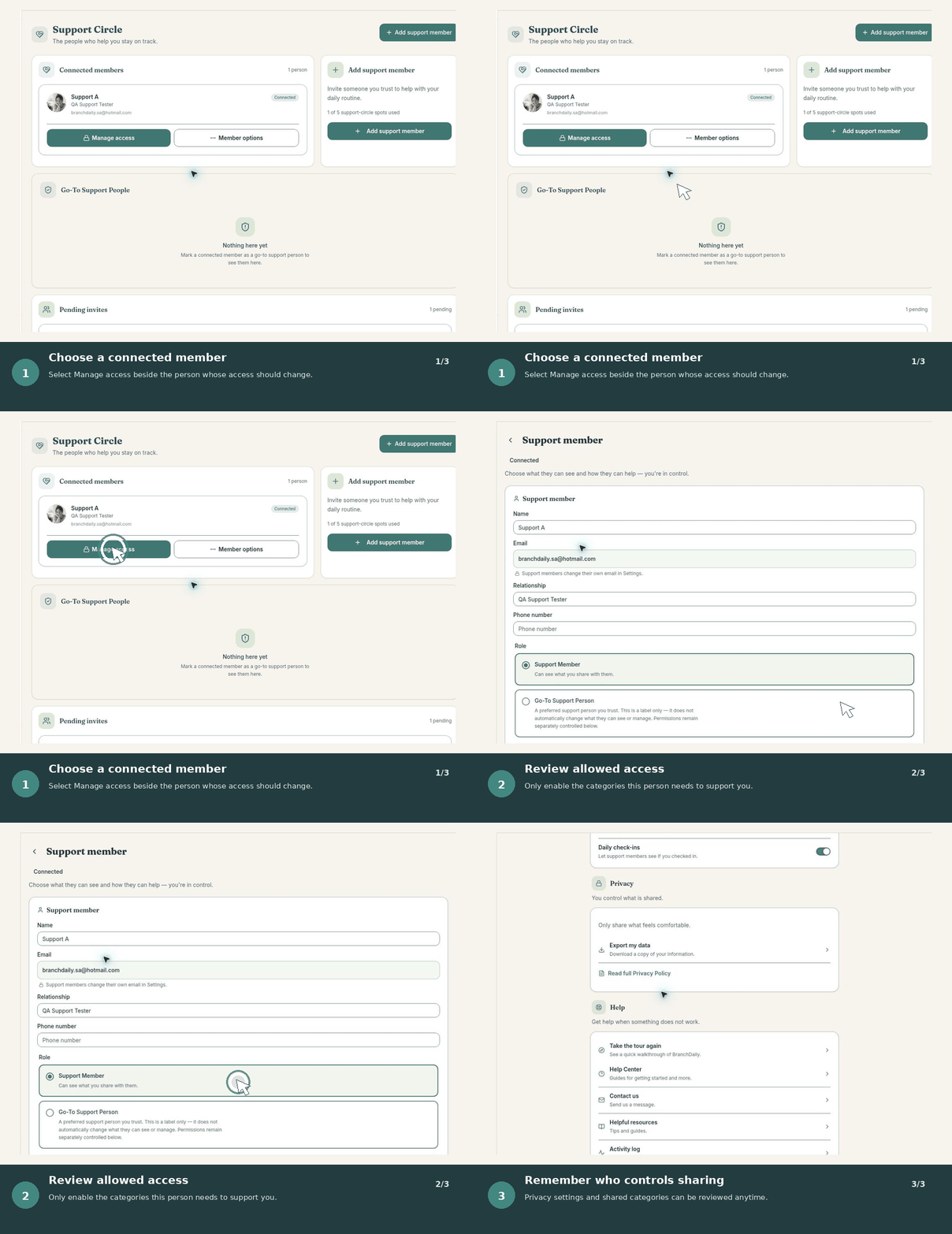
See it in action

Animated walkthrough comparing View, Suggest, and Manage permission levels.
Choose View, Suggest, or Manage access—and change it whenever you need.

Follow these steps

  1. Use View when the person should only see shared information.
  2. Use Suggest when changes require your approval.
  3. Use Manage only when they may make permitted changes directly.
  4. Review shared categories in Settings whenever access needs change.

You control each connection

Support access is not all-or-nothing. Review permissions for each person and grant only what they need to support you.

Understand permission levels

View

The person can see only the categories you allow.

Suggest

The person can recommend a change, but you decide whether to accept it.

Help manage

A trusted helper may make allowed changes directly. Use this level carefully and review it regularly.

Review or change access

  1. Open your Support Circle.
  2. Choose the support member you want to review.
  3. Read each permission before turning it on or off.
  4. Save the changes and confirm the access summary.

Share sensitive information carefully

Only enter or share information you are comfortable keeping in BranchDaily. Avoid sending medication details, insurance information, financial information, passwords, or emergency information through ordinary support messages.

Not for emergenciesBranchDaily does not provide emergency monitoring. If someone may be in immediate danger, contact 911 or local emergency services.

Remove access

You can remove a support connection when it is no longer wanted. If you believe an account or invitation was accessed without permission, remove access, change your password, and contact BranchDaily Support.