Update your profile
- Open Settings from your BranchDaily account.
- Choose Profile or Account information.
- Update the available fields.
- Save and confirm the new information appears correctly.
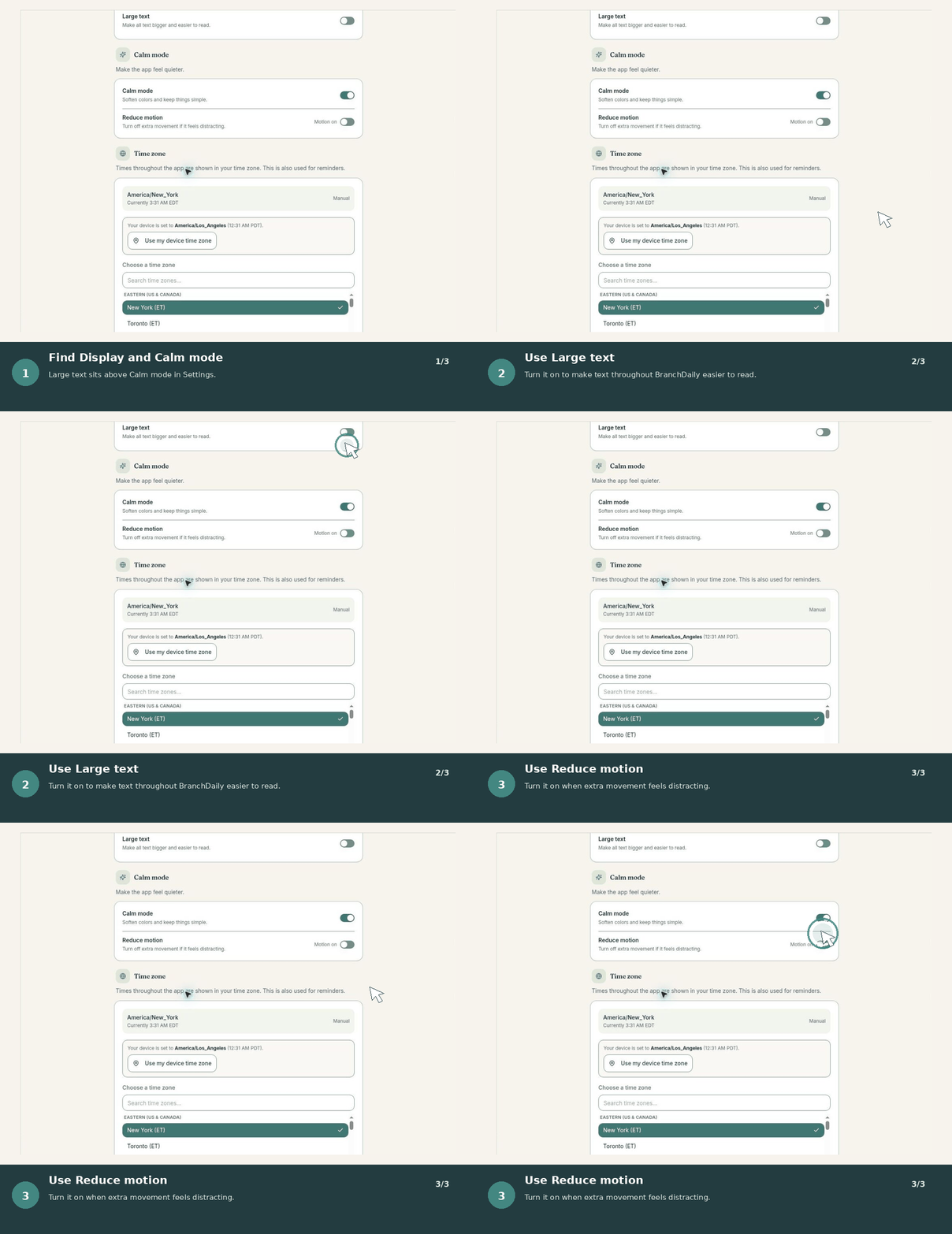
Adjust accessibility preferences
Use the available settings to make BranchDaily easier to read and operate. Options may include larger text, display preferences, reduced motion, or other experience controls as the beta develops.
Choose what works for youThere is no single correct configuration. Adjust one setting at a time and keep the combination that feels clearest.
Manage notifications
Review which reminders and updates you want to receive. Device-level notification permissions may also affect whether BranchDaily alerts appear.
- Confirm notifications are allowed in your device or browser settings.
- Check that the correct reminder time and time zone are selected.
- Keep another reliable method for critical appointments or safety-related responsibilities.
Protect your account
Use a unique password, do not share sign-in codes, and sign out on devices other people can access. If you suspect unauthorized access, change your password and review your Support Circle.
Manage the optional AI Companion
The Companion is optional. When the setting is available, you can turn it on or off and control what BranchDaily information it may use. It does not provide medical advice or emergency support.