Try these first
- Confirm your internet connection is working.
- Refresh BranchDaily or close and reopen the browser tab.
- Confirm you are signed into the intended account.
- Install available browser or device updates.
- Try again before changing multiple settings at once.
Sign-in problems
Check the spelling of your email address and password. If needed, use the password-reset option and follow the newest reset email. Never send your password to BranchDaily Support.
Invitation problems
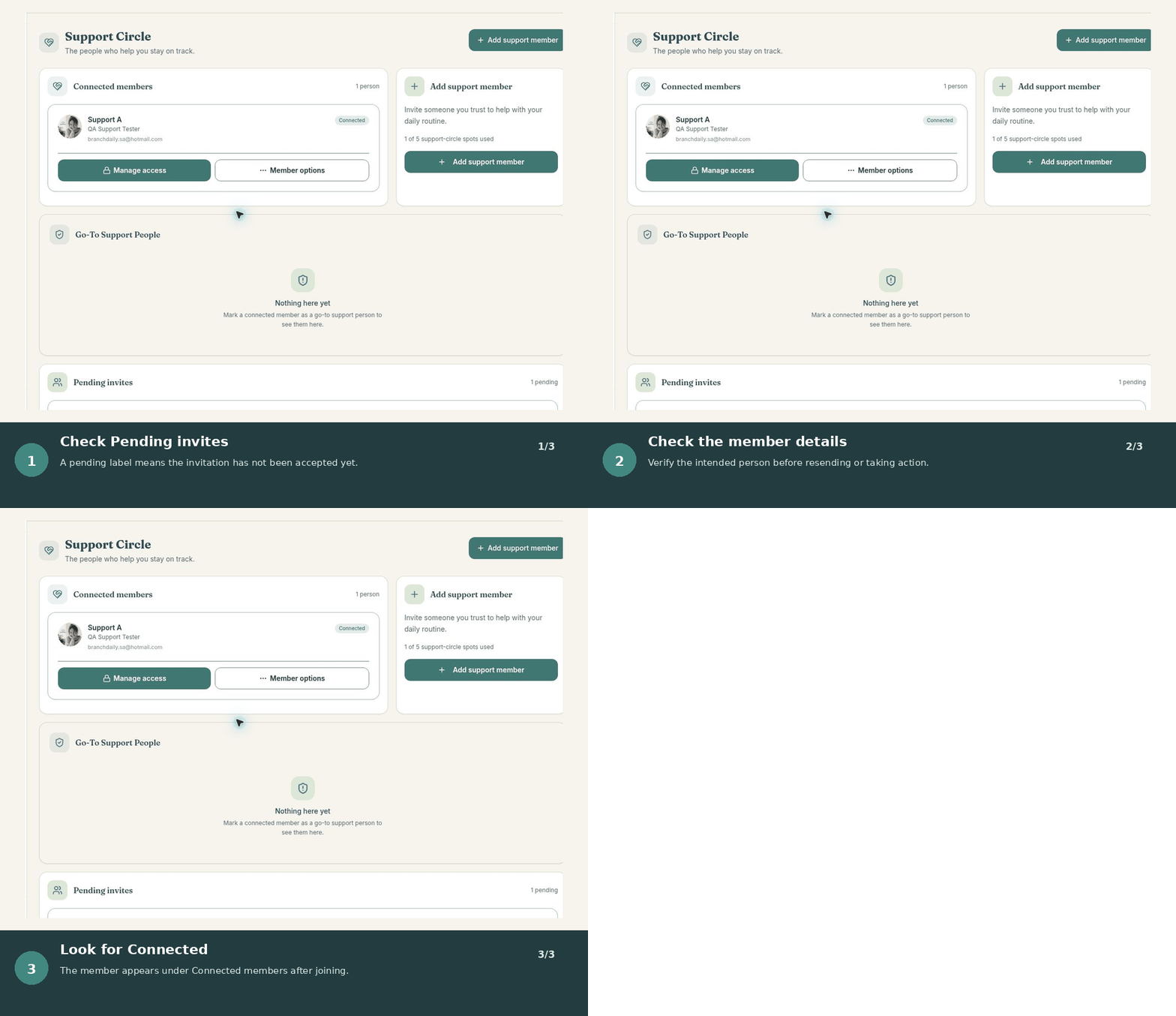
Confirm the link or connection code was copied completely and has not expired. Make sure you are signed into the account that should accept the invitation. The sender can cancel the old invitation and create a new one.
Missing notifications
- Confirm BranchDaily notifications are enabled.
- Review the item’s date, time, and time zone.
- Check browser or device focus, battery, and quiet-mode settings.
- Keep another method for critical reminders.
Missing or unexpected information
Confirm the selected day, account, and Support Circle connection. Refresh the page before entering the information again, which helps avoid duplicates. If a support suggestion is pending, review it instead of recreating it.
Contact BranchDaily Support
If the problem continues, describe what you expected, what happened, the device and browser you used, and the steps that led to the problem. Do not include passwords, medication details, insurance information, or other sensitive health information.